To conduct lessons on the Mathema platform, the teacher uses their own Google Meet link. This link needs to be created only once and added to the teacher's profile. Students will automatically receive this link to join lessons with the teacher.
Creating your Google Meet lesson link
-
Visit https://meet.google.com and click Sign in.
-
Sign in to your Google account, or select Create account to register.
-
Click New meeting.
-
Choose Create a meeting for later.
-
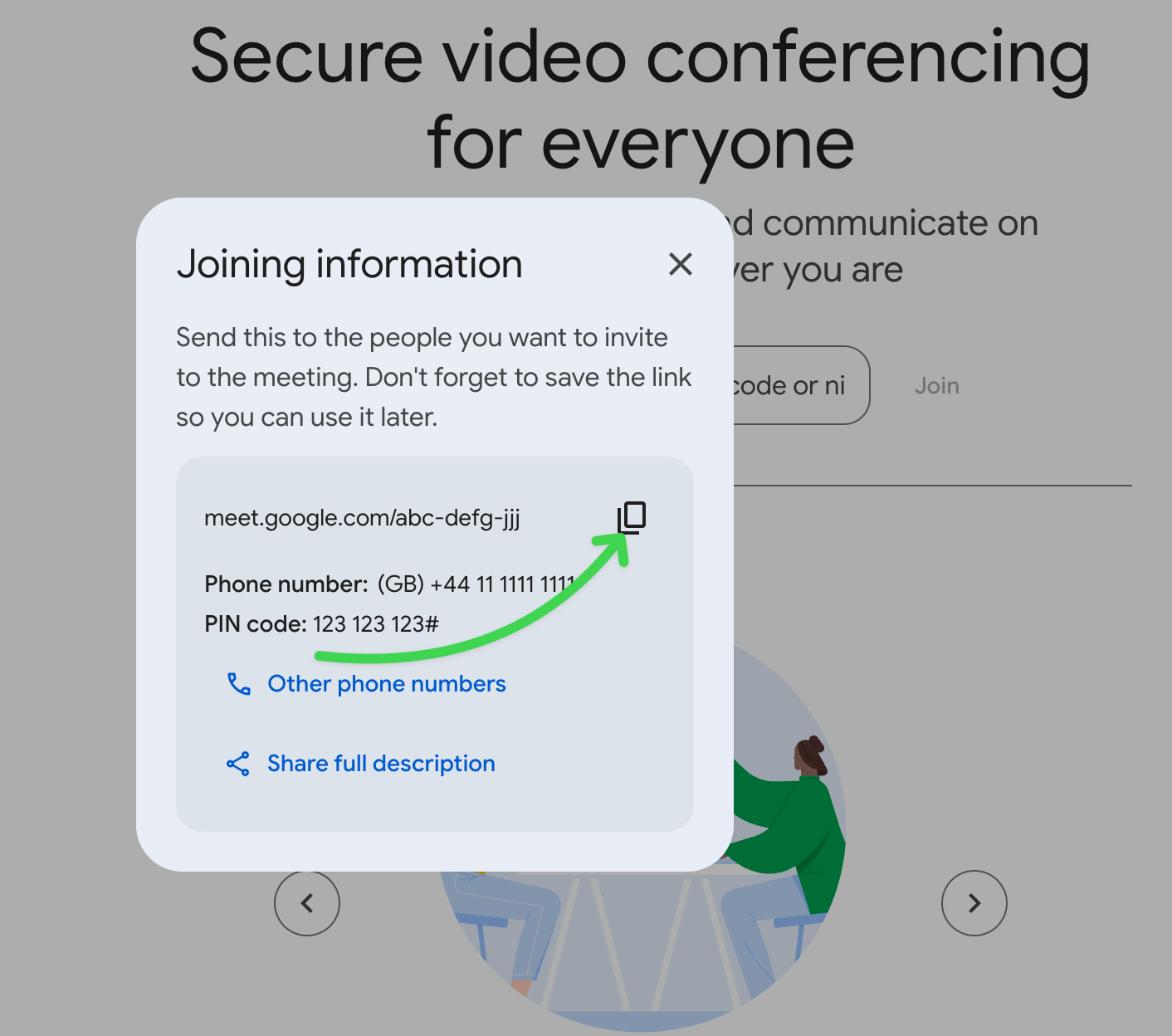
Google Meet generates a meeting link — copy it and add it to your teacher profile.
Example link: meet.google.com/abc-defg-jjj
☝🏻 You only need to create your meeting link once. All lessons with your students will use the same link.
💬 If you have any questions, feel free to message us via the platform chat.
