Paying for lessons yourself from the Parent's dashboard lets you top up your child's lesson balance whenever it suits you, so their learning continues without breaks. You choose the package and pay in the way that's most convenient for you.
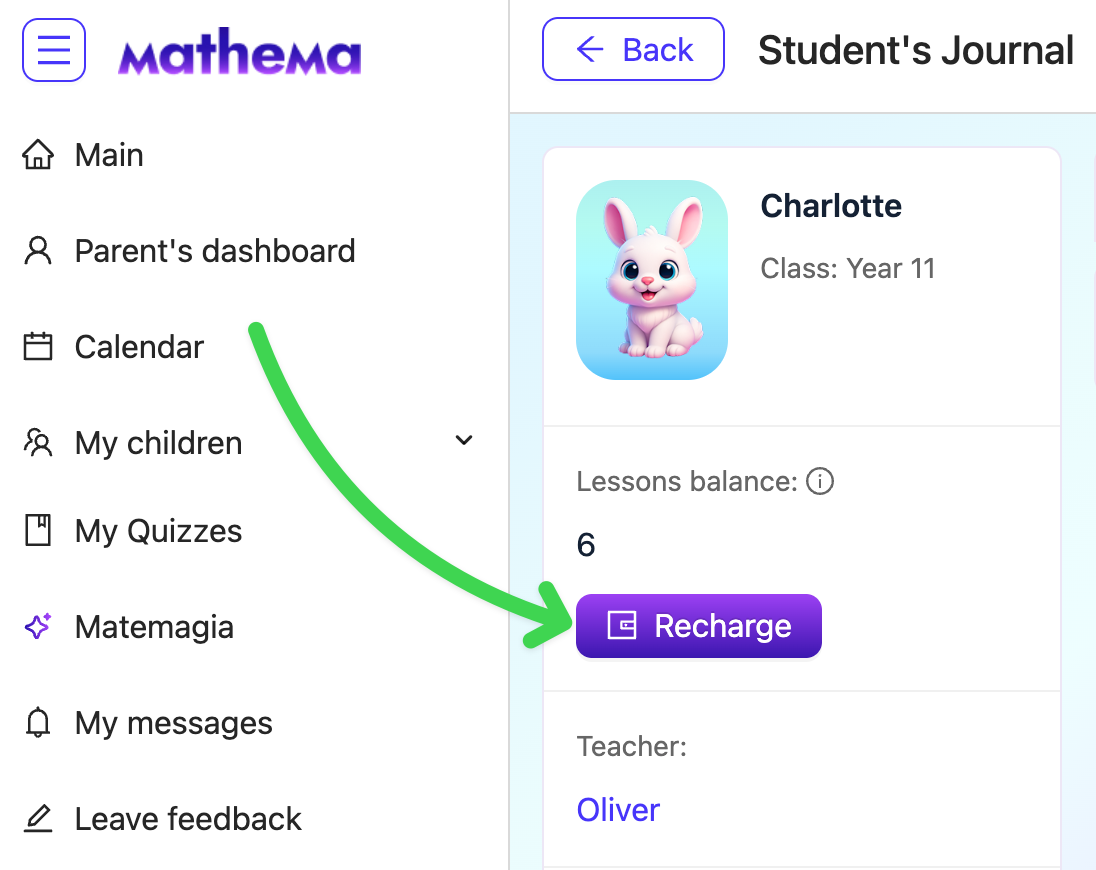
To pay for lessons yourself:
- Go to your Parent's dashboard.
- On your child's card, click View successes.
- Click Recharge.
- In the Choose a package window, select the package you need.
The payment window will open. - Pay for the package in the way that suits you.
✅ Once the payment goes through, the lesson balance updates automatically, and you'll receive an email and a notification in your dashboard about the payment status.
💡 The bigger the package, the lower the price per lesson, and you'll see the saving on each option.
